I Turned My Apartment Into a “Quiet Tech Zone” — And My Gadgets Finally Shut Up
I didn’t realize how loud my gadgets were until my friend stayed over and said, “Why does your living room sound like a tiny airport?”
Between the router whine, fridge buzz, fan hum, notification pings, and that one mysterious high‑pitched noise I swore only I could hear, my place felt… digitally haunted. So I went on a mission: turn my apartment into a “quiet tech zone” without throwing everything away or spending stupid money.
What I thought would be a weekend project turned into a full-on experiment with soundproofing, fan curves, coil whine, and notification hygiene. And honestly? My gadgets are the same — but my brain feels completely different.
Here’s what actually worked, what was overrated, and what I’d tell anyone who’s secretly exhausted by the constant electronic noise around them.
The Day I Realized My Gadgets Were Stressing Me Out
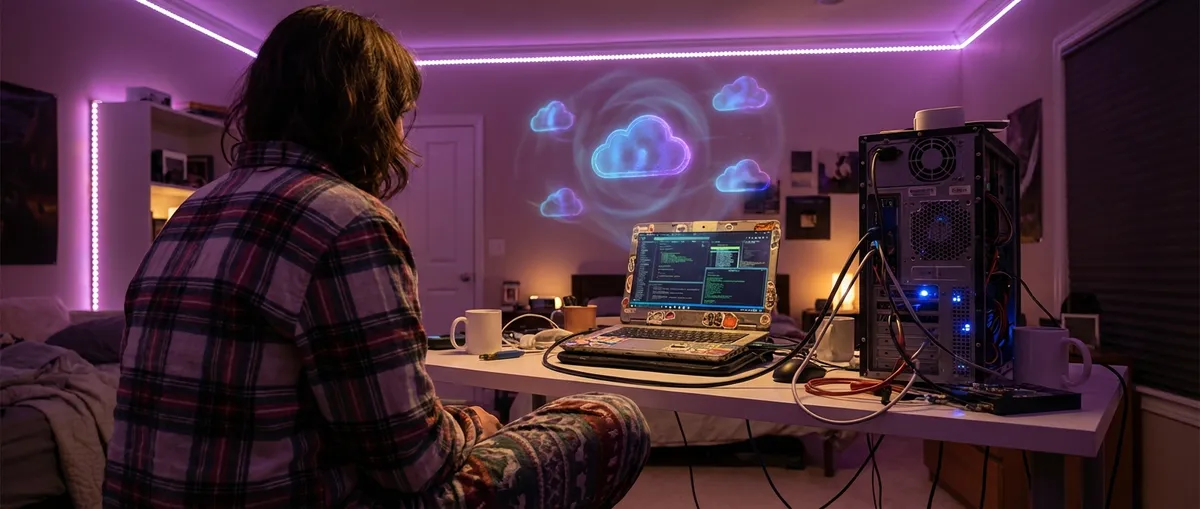
I first noticed the problem during a late-night writing session. The room was dark, my laptop screen was the only light, and suddenly I heard… everything.
The router was doing a high-pitched whistle.
My gaming PC sounded like it was trying to take off.
The old external hard drive ticked like it had a personal vendetta against silence.
When I tested myself using a free tone generator, I realized I could hear up to around 17 kHz on a good day — which is annoyingly high for an adult. That meant I was picking up fan whine, bad power supplies, and all the tiny “nobody else hears that” noises that make you feel slightly unhinged.
I started digging into research and found a 2021 World Health Organization report that bluntly linked long-term noise exposure with higher stress, sleep disruption, and even cardiovascular risk. Not just loud noise — constant, low-level noise. The exact kind of sound modern electronics pump out all day.
That’s when it clicked: my gadgets weren’t just cluttering my desk; they were cluttering my brain.
So I made myself a challenge:
Keep my tech. Keep my performance. But make my space feel like a quiet library, not the inside of a data center.
Step One: Hunting the Hidden Noises (And Naming the Culprits)
I started by treating my apartment like a crime scene. The crime? Noise.
I turned off everything I could, then powered devices back on one by one. It felt ridiculous, but it worked. I used a cheap sound meter app on my phone — not lab-grade accurate, but enough to see what spiked the dB levels above my baseline.
Here’s what I found in my own place:
- The PC tower was the obvious villain, but not for the reason I expected. The fans were actually fine. The power supply had a faint coil whine under GPU load.
- My 34-inch monitor hummed at low brightness because of its PWM dimming (pulse-width modulation), especially around 20–40% brightness.
- The Wi‑Fi router had a constant high-frequency hiss when it was under heavy traffic.
- The external hard drive made quiet but relentless ticking whenever it idled.
- The cheap USB hub added a weird electrical whine when multiple devices were plugged in.
Each thing by itself was “not that bad.” Together, it sounded like a tech beehive.
The wild part? My room wasn’t even that loud by the numbers — around 34–38 dB with everything on. For context, that’s “quiet library” territory. But the kind of sound matters. High-pitched, inconsistent, or “electrical” noise is far more annoying and mentally draining than smooth, low fan noise.
Once I figured that out, I stopped blaming my ears and started blaming my setup.
Making My PC Almost Silent Without Turning It Into a Potato
My PC was the biggest single offender, so I tackled it first. I didn’t want to turn it into a weak, overheating mess — I just wanted it to stop screaming during email.
Here’s what I actually did (and what made a measurable difference):
1. Fan curves: the free upgrade nobody usesI went into my motherboard’s BIOS and fan control software and manually adjusted the fan curves. Instead of spinning up aggressively at low temps, I set my case fans and CPU cooler to stay below 50% speed until things got genuinely warm.
When I tested this with HWMonitor under normal browsing and writing, the CPU stayed under 60°C easily — well within safe range — and the noise dropped a ton. For gaming, I let the fans ramp up, because I’m wearing headphones anyway.
2. Under-volting the GPU (not underclocking)This sounded sketchy to me, but when I tried it using MSI Afterburner, it was kind of magical. I shaved a bit of voltage off my GPU while keeping roughly the same clock speeds.
Result: a few degrees cooler, a bit less power draw, and my GPU fans didn’t need to spin like a jet engine. For a game like Cyberpunk 2077, I lost maybe 3–5 fps on average but gained noticeably less fan noise.
3. Fixing coil whine… sort ofCoil whine is that annoying electrical chirping from VRMs, GPUs, or PSUs when they’re under high load. It’s not dangerous, just infuriating if your ears are sensitive.
In my case, the power supply was the suspect. Instead of replacing it immediately, I tried:
- Enabling in-game frame limiters, so my GPU wasn’t blasting out 300 fps in menus for no reason
- Turning on VSync in a few older titles
- Slightly undervolting
That alone reduced coil whine in several games. Eventually, I replaced the PSU with a higher-quality, 80+ Gold rated, fully modular model with reviews specifically mentioning “quiet operation.” That finally killed 90% of the whine.
4. Mechanical isolationI added cheap rubber dampers for my case fans and moved the tower off my wooden desk onto a padded mat on the floor. It cut down on vibration transfer way more than I expected. My sound meter dropped ~2–3 dB at ear level just from isolation and fan tuning.
Was it perfect? No. Under full GPU load, you still hear it. But for web, coding, and writing, my PC basically became background silence.
The Silent Display: Killing the “Why Is My Monitor Buzzing?” Mystery
My monitor had a low hum that drove me nuts at night. During the day it blended into everything else, but in a quiet room, it was all I could hear.
When I researched it, I learned a lot of modern displays use PWM (pulse-width modulation) for backlight dimming. At certain brightness levels, that can create audible noise or visible flicker for people who are sensitive.
Things that helped in my setup:
- Changing brightness range: My monitor buzzed the most between 20–40% brightness. Pushing it up to around 60% and then adjusting room lighting to compensate removed the hum almost entirely.
- Checking refresh rate: Oddly, my panel was quiet at 144 Hz but made more noise at 60 Hz. So I kept it at the higher refresh rate and just let my GPU handle variable refresh.
- Power source sanity check: Plugging the monitor directly into a wall outlet (instead of a cheap multi-plug extension with 10 other devices) slightly cleaned up the buzz. Probably cleaner power = happier electronics.
If you’ve got a monitor that sings at night, experiment with brightness and refresh rates before assuming it’s dying. It might be annoying, but not dangerous.
The Router, The Drives, and All the “Forgotten Noise”
The non-obvious villains were the little devices I never thought about.
The routerMy Wi‑Fi router was on a shelf at head height in my living room. I never looked at it, but it hissed like a tiny, determined snake.
What helped:
- Moving it behind the TV unit (but not completely enclosed — it still needs airflow)
- Keeping it away from my desk, where sound felt more “direct”
- Swapping the aging power brick for the official replacement from the manufacturer (the old one had this faint electrical whine)
Signal stayed solid, noise at my couch dropped.
External hard drivesI had one 3.5" external HDD that clicked whenever it woke from sleep. Instead of getting rid of it, I:
- Changed its sleep settings so it didn’t spin up and down constantly
- Moved it literally 1 meter further away and put it on a soft mousepad
It went from “this drives me insane at 1 a.m.” to “oh yeah, that thing exists.”
Chargers and USB hubsThis one surprised me. One no-name USB hub and one old phone charger made more audible whine than my entire laptop.
I replaced them with decent certified replacements (USB-IF certified hub, name-brand GaN charger), and the random electrical hiss disappeared. Sometimes quiet costs $20 and a little effort.
Notifications, Smart Devices, and the Noise You Don’t Think About
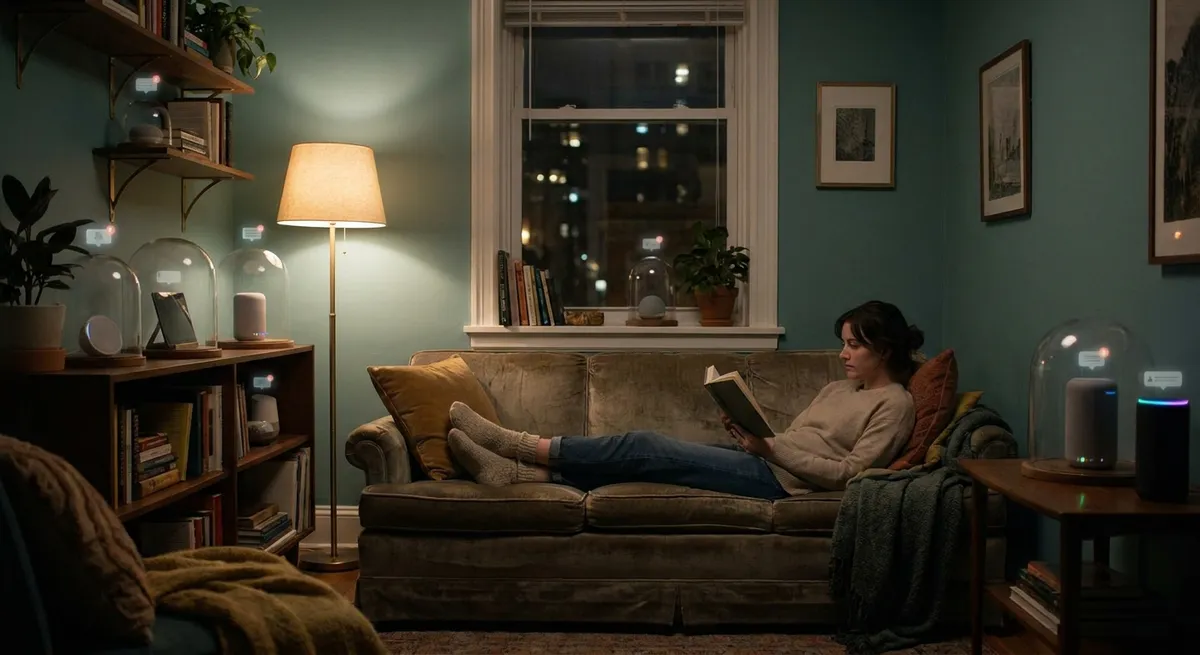
At some point, I realized silence wasn’t just about physical sound — it was about alerts, too. My apartment was constantly blinking, beeping, or buzzing for reasons that were absolutely not emergencies.
Smart plugs sending “your power usage this hour is…”
Doorbell app giving weather “insights” I didn’t ask for
My phone announcing every email like it discovered penicillin
I sat down one Sunday and went nuclear:
- Turned OFF sounds for all non-human messaging apps (delivery updates = vibration only)
- Disabled 90% of smart home “helpful alerts” — motion events, “device offline, then online again,” random “insights”
- Set my phone to allow calls + direct family messages only after 10 p.m.
Result? My evenings stopped feeling like an ongoing group chat with my electronics.
Subjectively, this change reduced my mental noise more than any fan curve tweak. Objectively, there’s research backing this: studies from places like Carnegie Mellon and the University of California have shown that frequent notifications increase perceived stress and reduce focus. I didn’t need the study to tell me — I could feel it — but it was nice to know my nervous system wasn’t just being dramatic.
What Actually Changed (And What Was Overrated)
After a few weeks of this “quiet tech zone” project, here’s what I honestly noticed.
The good:- I fall asleep faster. When I shut my laptop, my room actually feels like it “turns off” now.
- Deep work is easier. I don’t get yanked out of focus by whines, ticks, or pointless pings.
- My PC feels more “premium” simply because it’s not screaming all the time. Same hardware, better vibe.
- I stopped feeling that low-grade annoyance when sitting at my desk for long periods.
- My GPU runs a bit slower under heavy load because of under-volting and power limits. I gave up a few frames for sanity. Worth it for me, maybe not for everyone.
- My room is slightly brighter because my monitor sits at a higher brightness to avoid PWM buzzing. I had to adjust my lighting around that.
- Initial setup took time. BIOS menus, fan curves, testing different settings — it’s not a 10-minute project.
- Super expensive “audiophile” power conditioners. I tested a borrowed one out of curiosity. Did it maybe clean up line noise a bit? Maybe. Did it fix coil whine or fan hum? Not in any way worth hundreds of dollars.
- Over-the-top acoustic foam on every wall. Great for echo in recordings, not a magic fix for internal gadget noise. If your PC screams, fix the PC, not the drywall.
Should You Do This Too?
If your space feels chaotic or you’re weirdly drained after sitting around your gadgets all day, you’re not making it up. Low-level electronic noise and relentless alerts absolutely add up.
You don’t need to rebuild your entire setup. If I were starting from scratch on a new place tomorrow, I’d do just three things:
- Buy “quiet” on purpose
When choosing a power supply, GPU, or laptop, I’d read the quietness section of reviews as seriously as performance. Look for noise measurements in dB and mentions of coil whine.
- Tame notifications early
Set a default rule: if it’s not a human or a critical service, it doesn’t get sound. Everything else is silent or batch-checked.
- Physically separate noisy stuff from your ears
Even moving things 1–2 meters away, off your desk, or into cabinets with airflow makes a real difference.
My apartment still has plenty of tech. I’m not living that minimal cabin-in-the-woods fantasy. But it feels different now — calmer, less “charged.”
And the best part? When my friend visited again, she sat on the couch for a minute, looked around, and said, “Did you… get new windows or something? It’s weirdly peaceful in here.”
Nope. Same windows. Fewer screaming electrons.
Sources
- World Health Organization – Environmental Noise Guidelines for the European Region – Comprehensive report on how long-term noise exposure affects sleep, cardiovascular health, and overall well‑being.
- U.S. Environmental Protection Agency – Noise and Its Effects – Overview of the health and psychological impacts of environmental noise, including low-level chronic noise.
- Harvard Medical School – The Health Effects of Too Much Noise – Plain-language breakdown of how noise influences stress, sleep, and heart health.
- Tom’s Hardware – How To Reduce Your PC’s Noise – Practical guide on quieting PC fans, choosing components, and managing thermals without killing performance.
- Carnegie Mellon University – The Effects of Notifications on Stress and Performance – Research paper exploring how frequent digital notifications contribute to perceived stress and reduced focus.